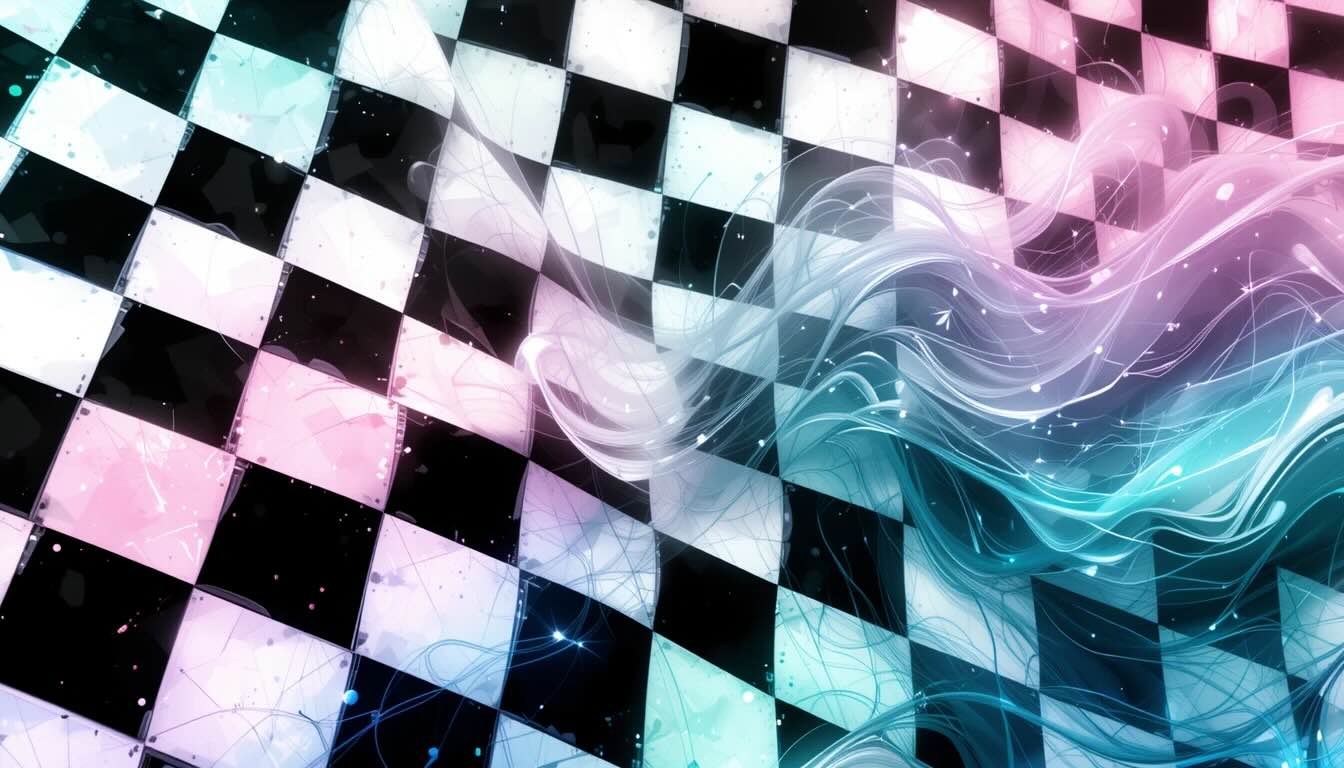
Looking for a quick way to refresh your desktop with high-definition visuals? Our Free Aesthetic Wallpaper Generator lets you create unique, wallpaper designs in a few clicks. You can choose from a range of designs—Nature, Abstract, Vintage, Anime, and more.
How to Use the Free Aesthetic Wallpaper Generator
- Step 1: Consider the mood or theme that you want for your workspace.
- Step 2: Enter a prompt into the text, e.g. “Retro floral pattern”
- Step 3: Click “Generate Wallpaper.”
- Step 4: Wait a few seconds – do not close or refresh the page.
- Step 5: Click “Download Image”, to save the image.
- Step 6: Set the wallpaper as your desktop background through your system settings.
AI Wallpaper Generator
Create stunning wallpapers with custom prompts using AI
Tips for Better Results:
- Be specific about colors, mood, and style
- Include descriptive adjectives (vibrant, serene, dramatic)
- Mention the setting or environment
- Try phrases like "cinematic lighting" or "high detail"
- Keep prompts short between 10-100 words for best results
What is an Aesthetic Wallpaper Generator?
This Free Aesthetic Wallpapers Generator is an online tool that uses AI or customizable templates to create wallpapers based on your preferences. You pick a category and instantly generate high-resolution images for your computer screen—even large monitors.
Wallpaper Design Categories Explained
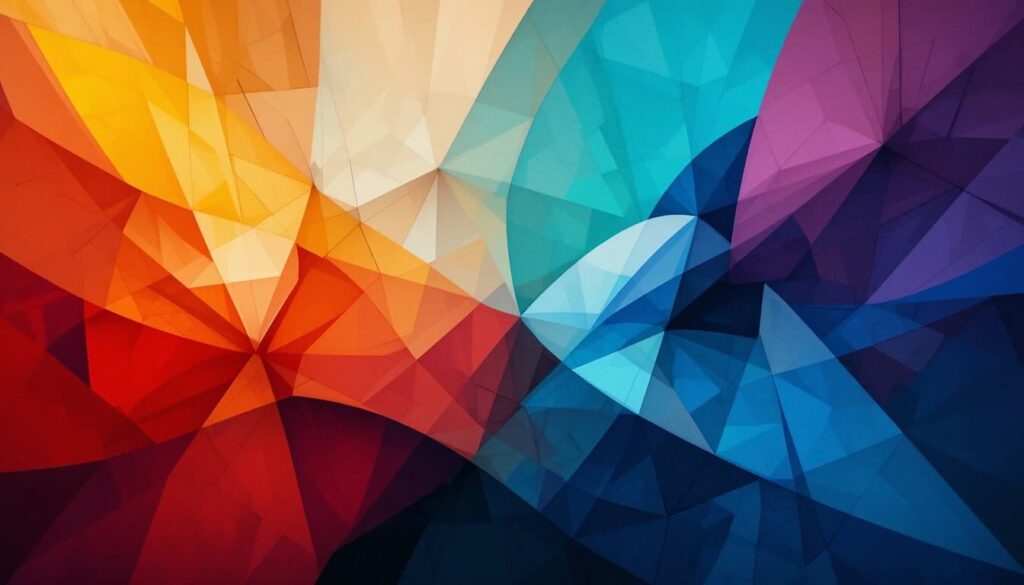
Abstract Aesthetic Wallpapers
- Bold Colors: Vivid blues, fiery reds, and energetic yellows.
- Expressive Shapes: Swirls, splatters, and geometric forms.
- Modern Art Influences: Inspired by artists like Kandinsky or Rothko.
Perfect if you want your desktop to spark creativity or stand out.
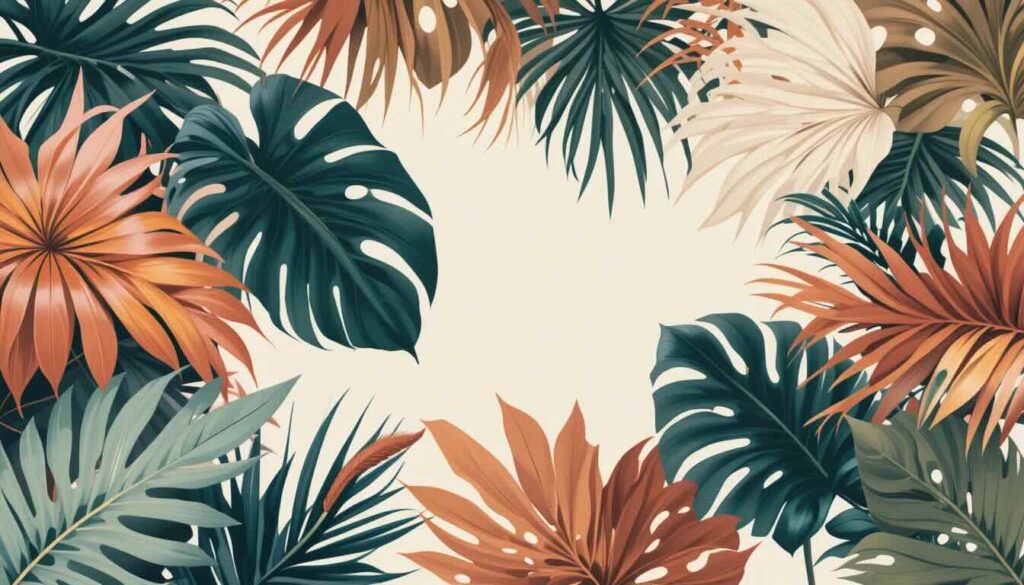
Nature Aesthetic Wallpapers
- Flora & Fauna: Lush leaves, wildflowers, and animal silhouettes.
- Tropical: Palm fronds, sunsets, and vibrant birds.
- Botanical Prints: Oversized flowers, dreamy botanicals, soft watercolor backgrounds.
Best for users who want a calming, organic vibe or a touch of the outdoors on their screen.
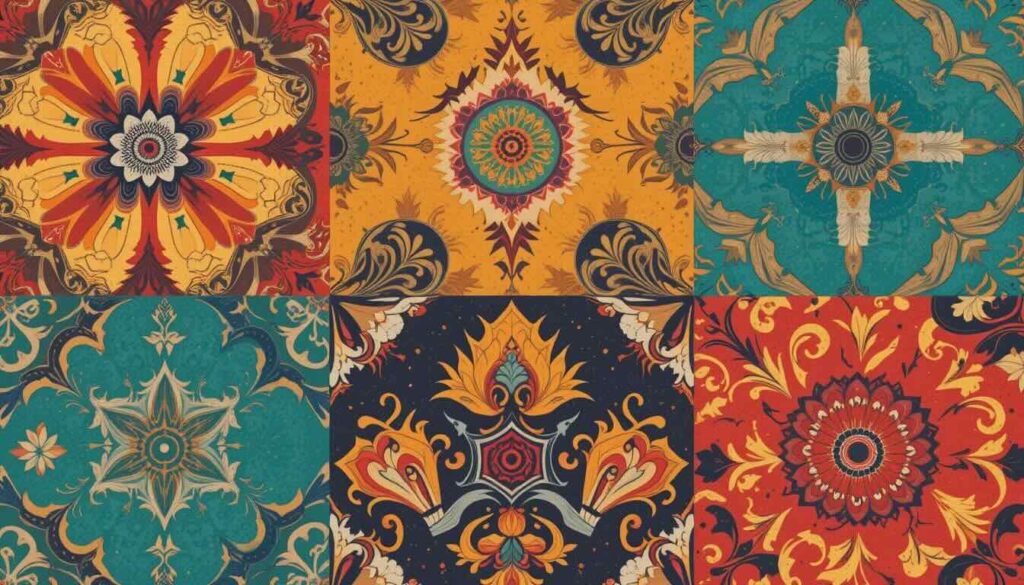
Vintage Aesthetic Wallpapers
- Retro Patterns: 60s mod, 70s psychedelia, or 80s Memphis.
- Classic Textures: Faded paper, sepia tones, or polka dots.
Ideal for fans of nostalgia or a timeless look.
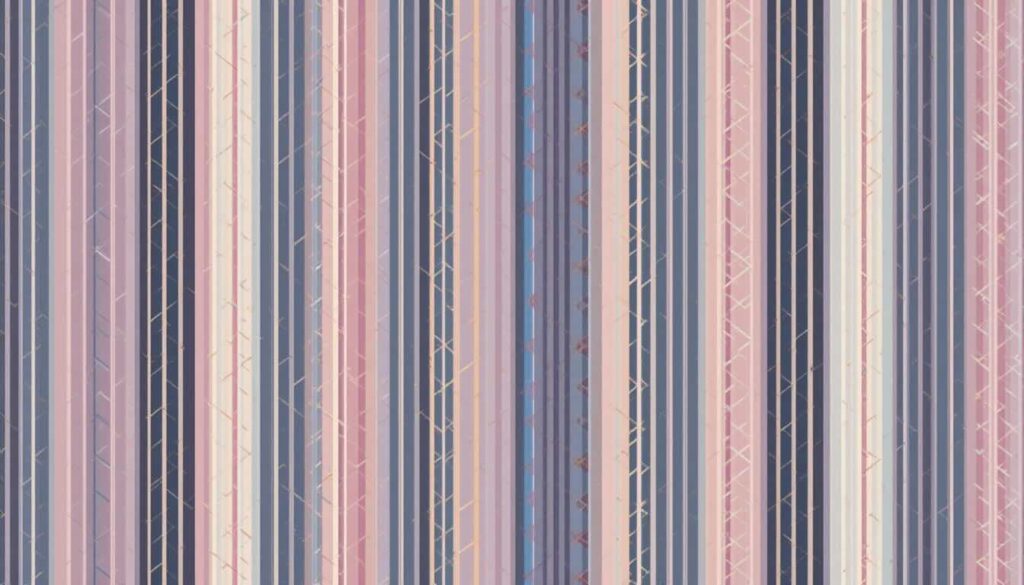
Striped & Plaid Aesthetic Wallpapers
- Classic Stripes: Nautical, candy, or pinstripes.
- Preppy Plaid: Tartan, gingham, or checkered.
Great for a clean, structured aesthetic.
Anime Aesthetic Wallpapers
- Inspired by Animation: Characters, cityscapes, or fantasy worlds.
- Movies & Games: Scenes or motifs from popular anime franchises.
For anyone who loves Japanese pop culture or wants a playful, dynamic background.

Geometric Aesthetic Wallpapers
- Memphis Shapes: Triangles, squiggles, and checkerboards.
- Checkerboards & Stripes: Bold or pastel colorways.
For a modern, energetic, or retro-inspired look.
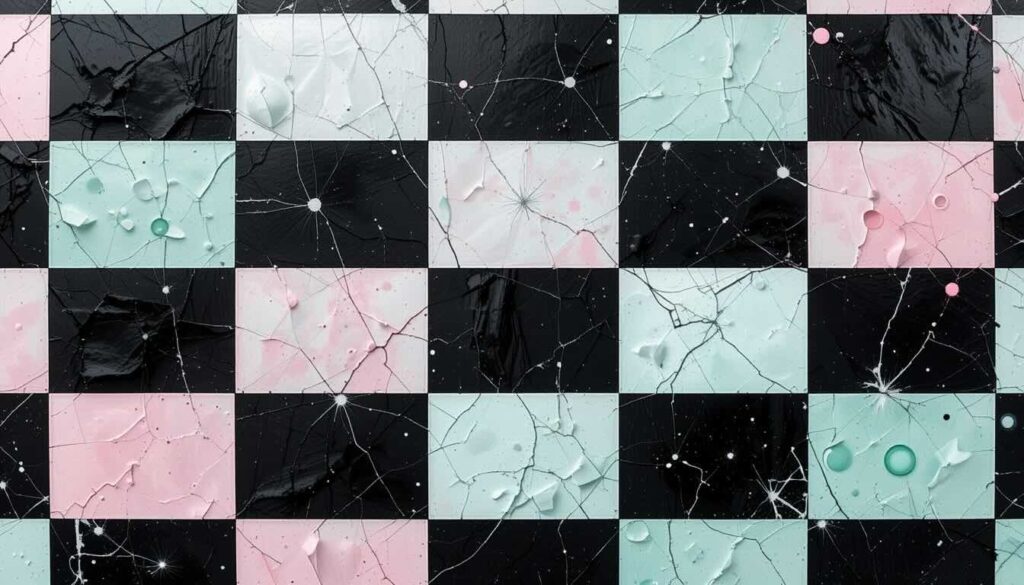
Retro Checkerboards
- Bold or Pastel Colors: Classic black-and-white or candy-colored grids.
Works well for a fun, eye-catching desktop.
Rainbow Wallpapers
- Bright, Multicolor Patterns: Gradients, stripes, or abstract rainbows.
Adds cheer and positivity to your workspace.
Kitschy Aesthetic Wallpapers
- Playful Icons: Hearts, doodles, quirky graphics.
- Fun Motifs: Smiley faces, stars, or cartoonish elements.
Great for a lighthearted, whimsical vibe.
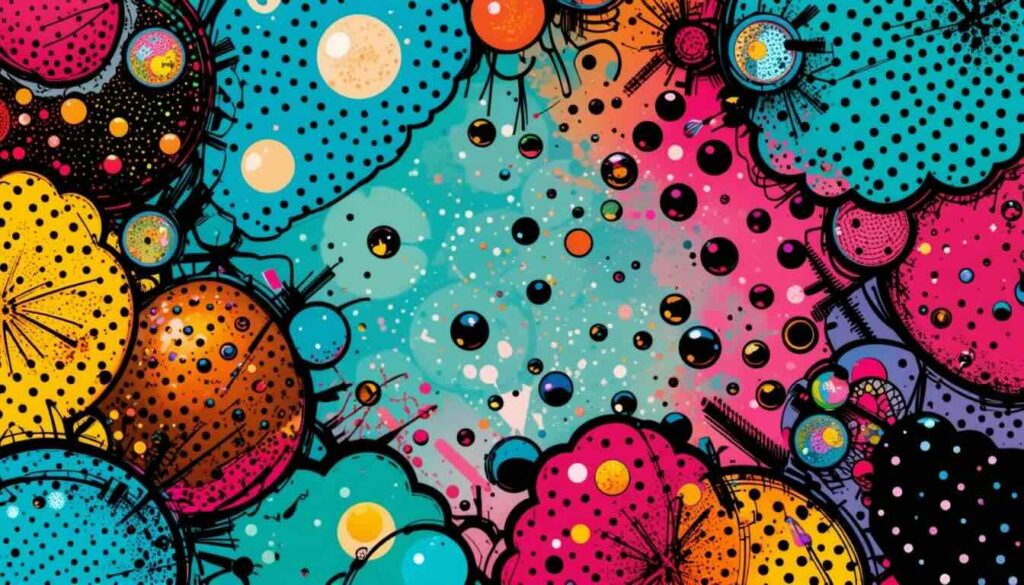
Pop Art Aesthetic Wallpapers
- Comic-Inspired Graphics: Speech bubbles, halftone dots.
- Bold Colors: High contrast, eye-popping visuals.
Perfect for fans of graphic art and bold statements.
Creative Aesthetic Wallpapers
- Freeform Shapes: Irregular, experimental layouts.
- Colorful Arrangements: Inspired by 90s design trends.
For users who want something truly unique and expressive.
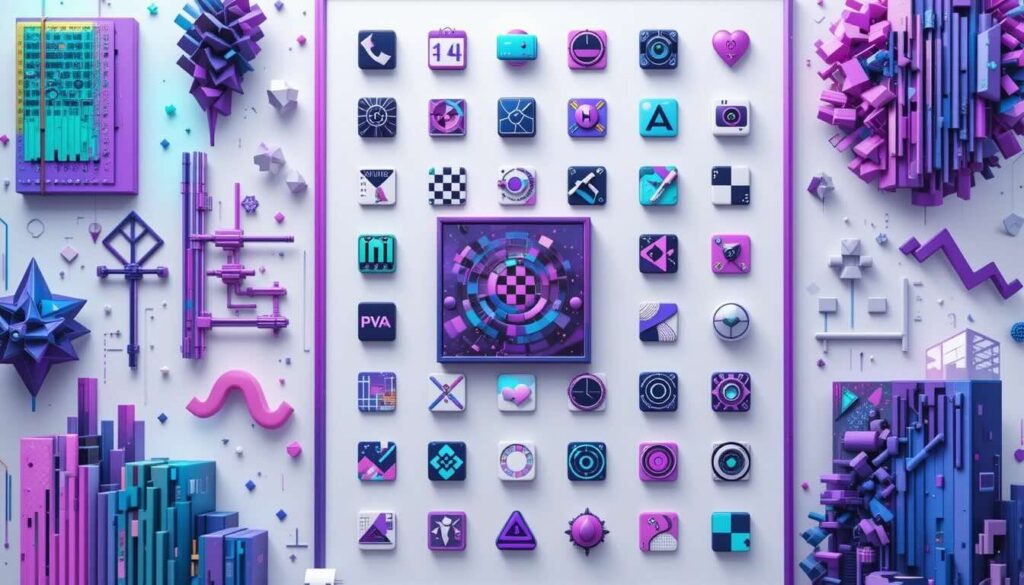
Graphical User Interface (GUI) Wallpapers
- Retro Computer Interfaces: Early Windows or Mac OS styles.
- Minimal Grids & Frames: Windowed layouts, pixel fonts.
Ideal for techies or anyone who loves digital nostalgia.
Pixel Art Wallpapers
- Pixelated Graphics: 16-bit and 256-color designs.
- Retro Computer Screens: Game-inspired or bitmap fonts.
Great for gamers or fans of classic computing.
Neon Color Wallpapers
- Saturated Pastels: Electric blues, greens, pinks, and yellows.
- Bold Highlights: Glowing effects or cyberpunk vibes.
Perfect for a vibrant, futuristic look.
Fractal Wallpapers
- Repeating Patterns: Spirals, kaleidoscopes, and mathematical art.
- POV-Ray Renders: 3D, computer-generated visuals.
For a mesmerizing, hypnotic desktop.
Mixed Media Wallpapers
- Digital Collages: Scanned images, 3D renders, digital painting.
- Layered Art: Combines photography, illustration, and textures.
Ideal for artists or anyone who wants a complex, layered design.
Why Choose QHD (2560 × 1440) Wallpapers?
- Crisp details: QHD resolution ensures sharp images on large displays.
- Universal fit: 16:9 aspect ratio works for most monitors, laptops, and TVs.
- No pixelation: Even intricate patterns and gradients look smooth.
Frequently Asked Questions
What Makes a Wallpaper “Aesthetic”?
Aesthetic wallpapers combine pleasing colors, balanced layouts, and on-trend motifs. They’re designed to make your workspace feel more personal and visually appealing.
Are These Wallpapers Really Free?
Yes, many online wallpaper generators offer free downloads with no registration required137. Some may offer premium options, but high-quality, free options are widely available.
Can I Use These Wallpapers on Multiple Devices?
Absolutely. While the 2560 × 1440 (QHD) size is ideal for desktops and large monitors, you can crop or resize for tablets and phones. Some generators even let you pick different aspect ratios1.
Are the Wallpapers Customizable?
Most generators let you:
How Do I Make Sure My Wallpaper Looks Good on My Screen?
- Always use the correct resolution (2560 × 1440 for QHD screens).
- Choose designs with enough contrast so icons and folders remain visible.
- Preview before downloading to check for clarity and detail.
Tips for Choosing the Right Aesthetic Wallpaper
- Match Your Mood: Nature for calm, Neon for energy, Vintage for nostalgia.
- Consider Your Workspace: Minimalist designs reduce distraction; bold patterns add personality.
- Update Regularly: Switch wallpapers to keep your desktop feeling fresh.
Popular Prompts & Ideas for Each Category
| Category | Example Prompts |
|---|---|
| Nature | “Oversized peonies, pastel sky” |
| Abstract | “Bold geometric shapes, primary colors, modern art” |
| Vintage | “Retro 70s orange and brown stripes, faded texture” |
| Striped | “Classic navy stripes, preppy plaid, clean white lines” |
| Anime | “Anime cityscape at night, cherry blossoms, soft glow” |
| Geometric | “Memphis triangles, checkerboard, pastel palette” |
| Retro Checkerboard | “Pink and mint checkerboard, 90s style” |
| Rainbow | “Vivid rainbow gradient, soft clouds” |
| Kitschy | “Hearts, doodles, quirky faces, playful colors” |
| Pop Art | “Comic book dots, bold outlines, speech bubbles” |
| Creative | “Freeform 90s shapes, colorful collage” |
| GUI | “Windows 95 desktop, pixel icons, blue grid” |
| Pixel Art | “16-bit landscape, pixel clouds, retro game” |
| Neon Colors | “Electric blue and pink, glowing lines” |
| Fractals | “Spiral fractal, kaleidoscope, rainbow colors” |
| Mixed Media | “Digital collage, scanned photos, paint splatters” |
Final Thoughts
This Free Aesthetic Wallpapers Generator lets you personalize your desktop with high-definition designs.
Choose your favorite design style and enjoy a workspace that’s as unique as you are.
Related Articles:
Citations:
- https://www.media.io/ai-wallpaper-generator.html
- https://stockimg.ai/blog/design-and-creativity/50-ai-wallpaper-prompts-you-must-try
- https://www.canva.com/desktop-wallpapers/templates/aesthetic/
- https://www.semrush.com/blog/seo-writing/
- https://content-whale.com/blog/how-to-write-seo-articles/
- https://www.bruceclay.com/blog/seo-friendly-web-design-rules/
- https://devtechnosys.com/insights/top-ai-wallpaper-generator/
- https://www.reddit.com/r/Wordpress/comments/1gs8l8v/comprehensive_guide_to_writing_seooptimized/
- https://www.canva.com/create/wallpapers/
- https://www.canva.com/phone-wallpapers/templates/
- https://www.kittl.com/create/wallpapers
- https://picsart.com/wallpaper-maker/
- https://www.searchenginejournal.com/on-page-seo/image-optimization/
- https://forumweb.hosting/3943-how-to-seo-for-a-wallpaper-website.html
- https://bigsea.co/ideas/create-high-quality-content-for-the-user-and-seo/
- https://www.fastfwd.com/long-form-content-for-seo/
- https://www.reddit.com/r/WQHD_Wallpaper/comments/icaqvj/2560x1440p_screen_what_image_resolution_should_i/
- https://www.visme.co/wallpaper-maker/
- https://www.wiley.com/en-us/network/publishing/research-publishing/preparing-your-article/enhance-your-articles-visibility-a-guide-to-seo-for-journal-authors
- https://www.listadum.com/keyword-explorer/mobile%20wallpaper