Creating botanical AI aesthetic wallpapers requires precise prompts that communicate your vision clearly to the AI generator.
The quality of your output depends entirely on how well you describe the elements, style, and composition you want.
Here are the most effective prompt strategies and examples for generating stunning botanical aesthetic wallpaper using AI.
Essential Elements for Botanical AI Prompts
Plant Specification: Always name specific plants rather than using generic terms. “Monstera deliciosa leaves” produces better results than “tropical plants.” Include details like “fiddle leaf fig,” “eucalyptus branches,” or “peonies in full bloom.”

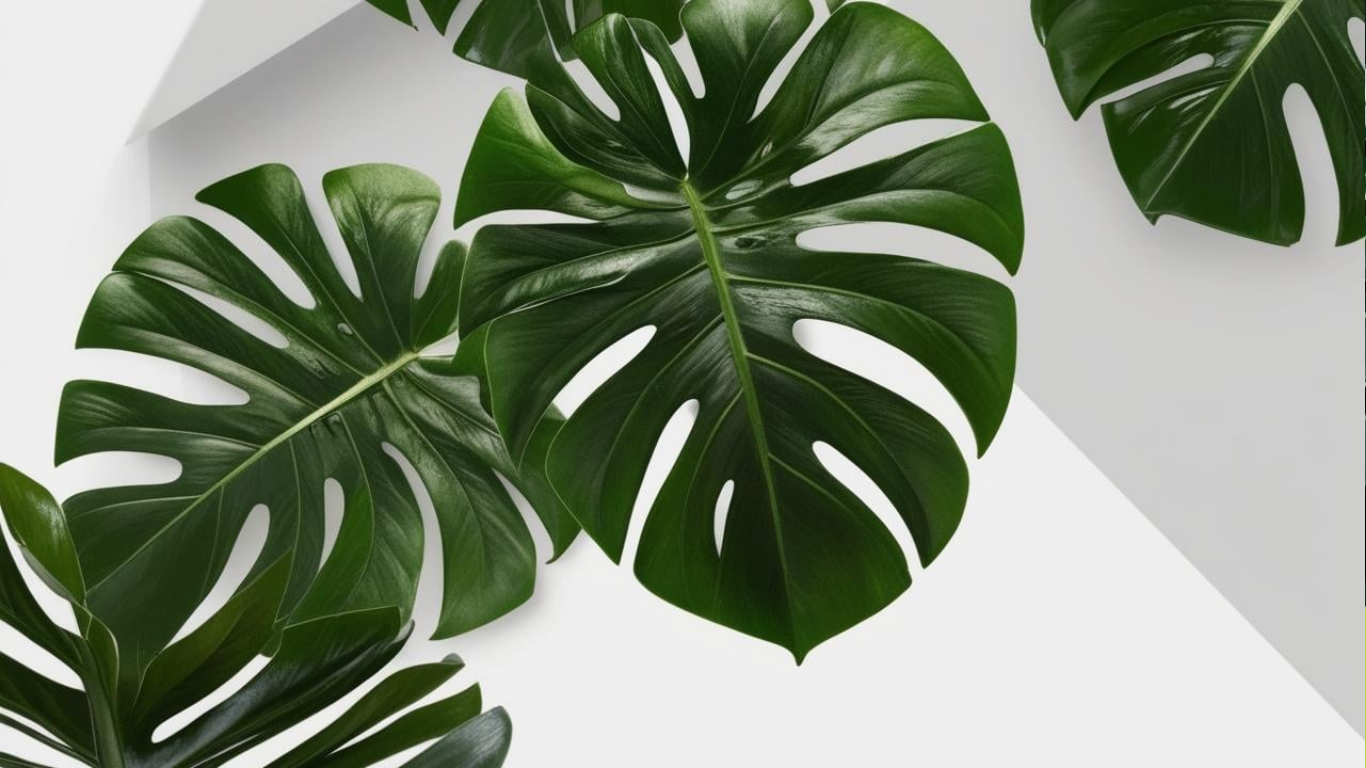
Style Direction: Define the artistic approach clearly. Options include “watercolor botanical illustration,” “vintage scientific drawing,” “minimalist line art,” or “photorealistic macro photography.”
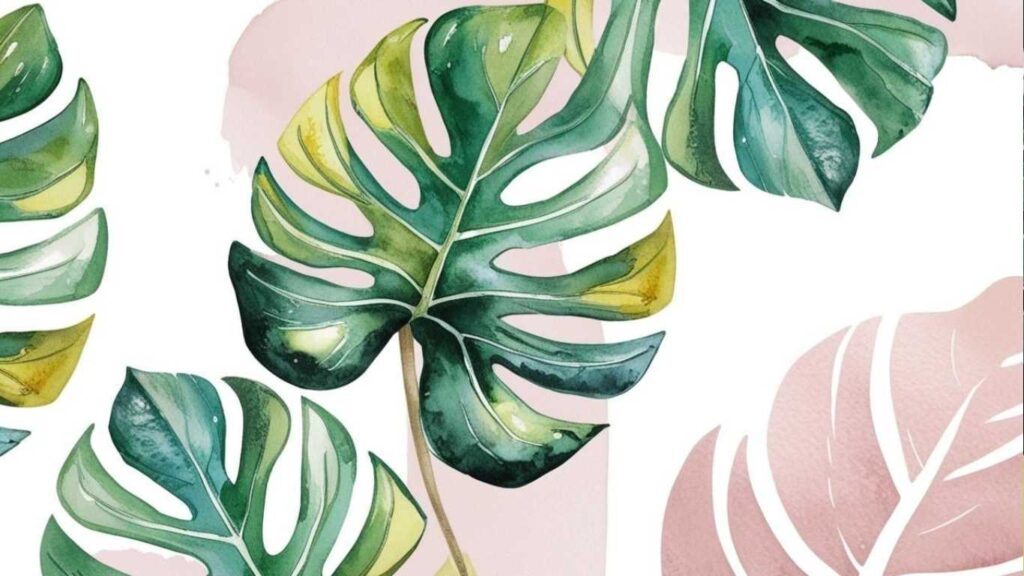
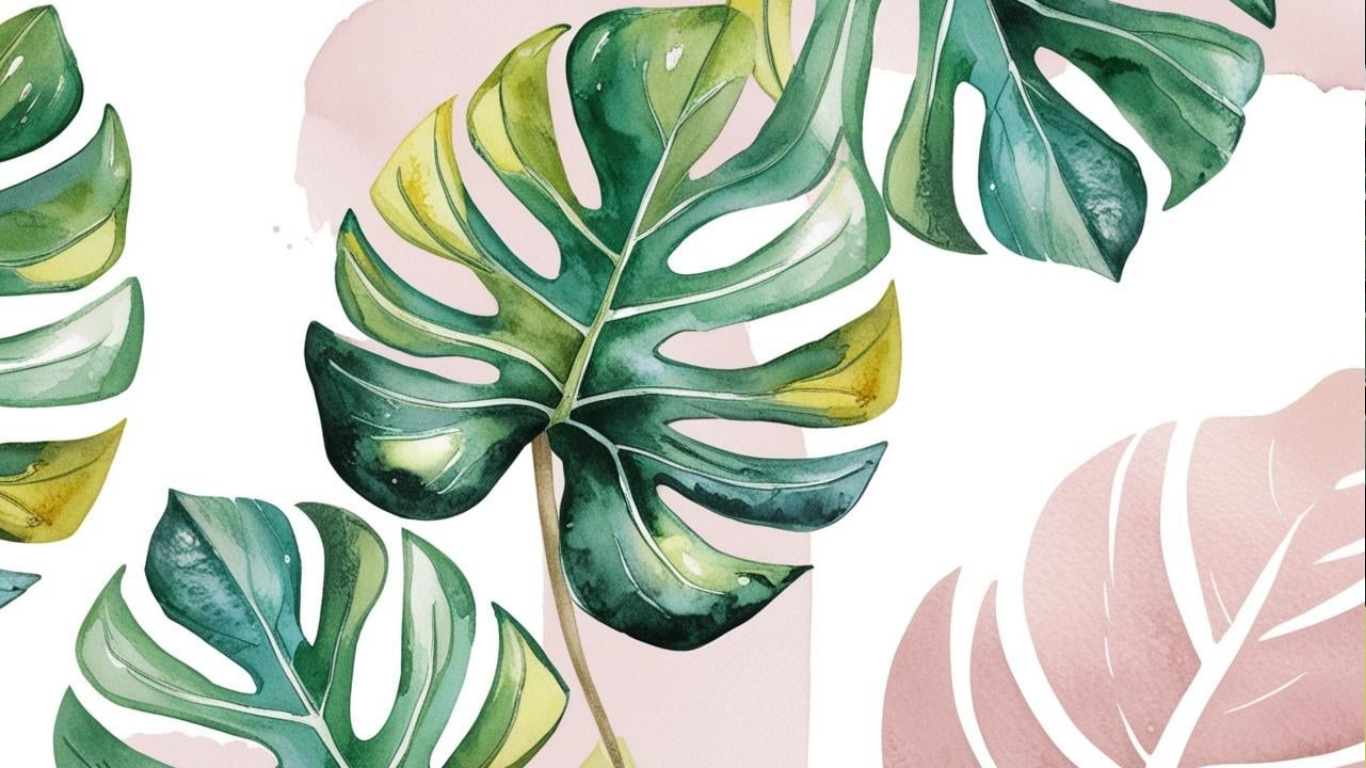
Color Palette: Specify exact colors or color relationships. Use terms like “sage green and cream,” “monochromatic green tones,” or “dusty rose with gold accents” for precise control.
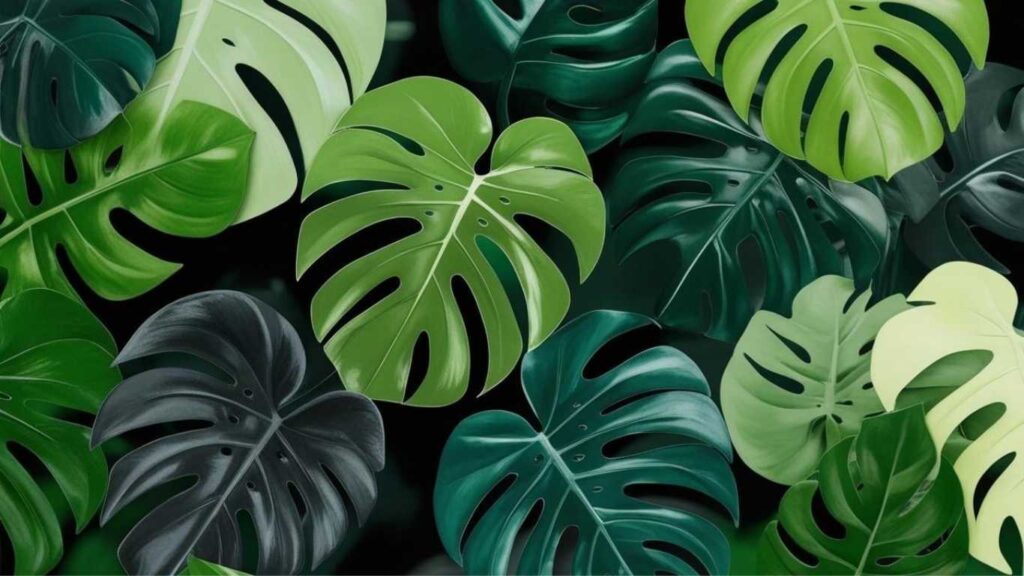
Composition Layout: Describe the arrangement with terms like “seamless repeating pattern,” “single centered element,” “scattered organic placement,” or “symmetrical botanical border.”

High-Performance Prompt Templates
Minimalist Botanical
“Minimalist watercolor eucalyptus branches on cream background, single stem placement, soft sage green tones, plenty of white space, clean composition”


Vintage Scientific Style
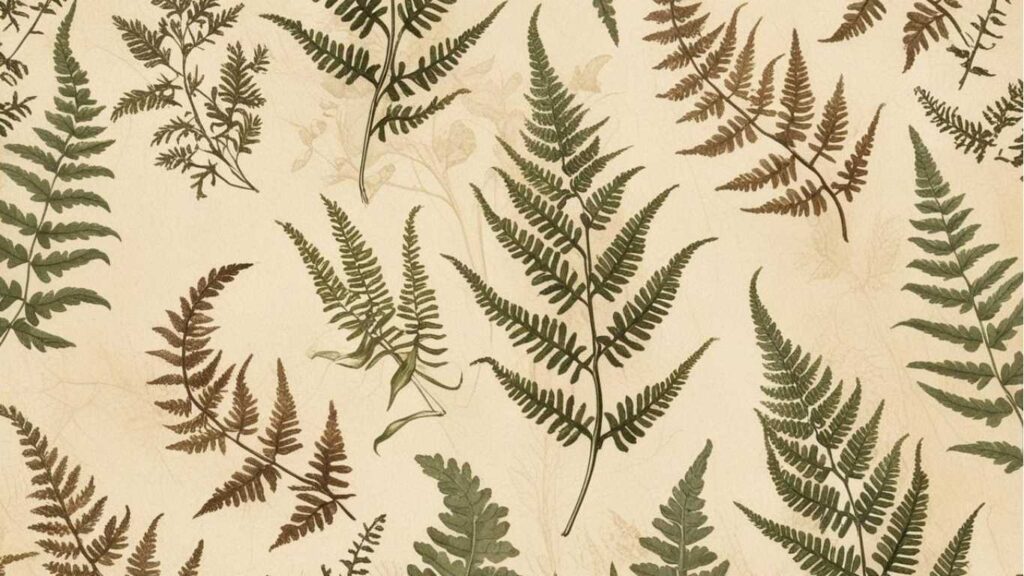
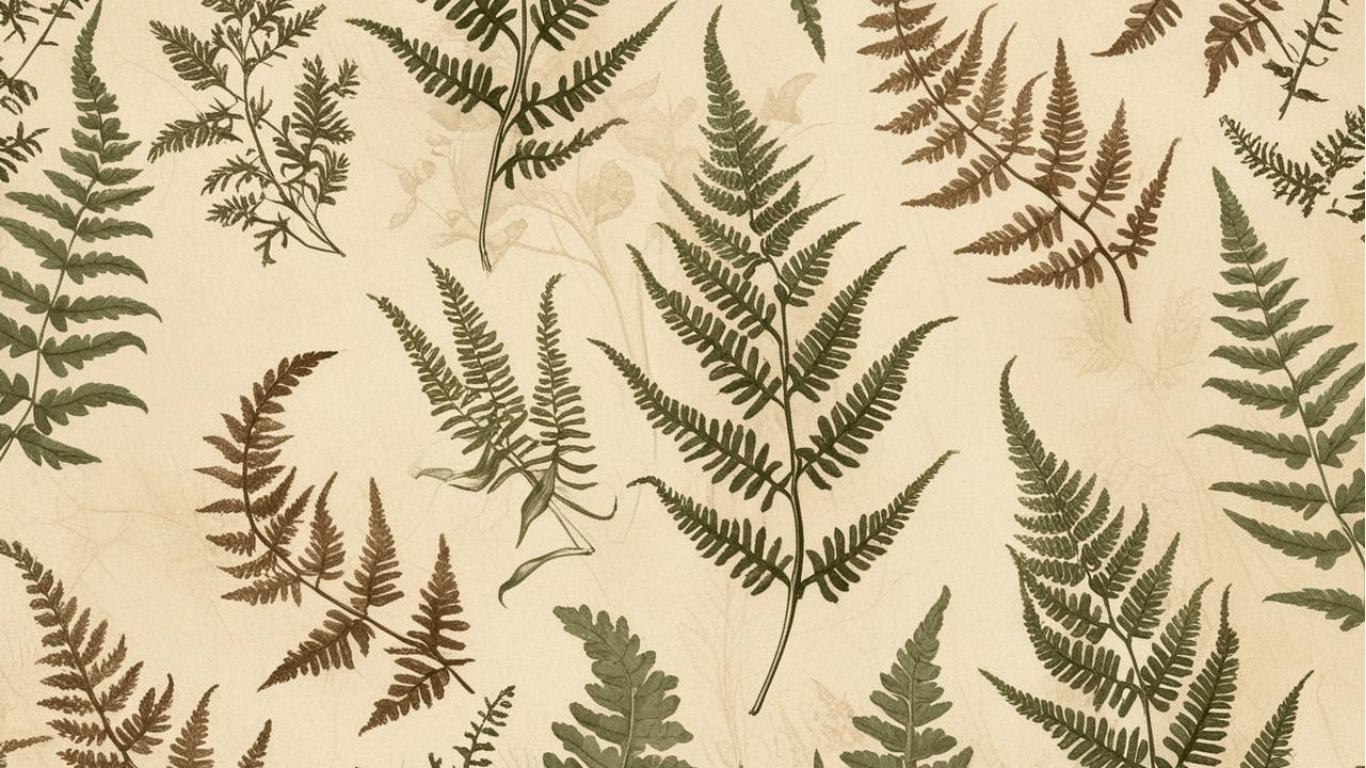
“Vintage botanical illustration of ferns in the style of Pierre-Joseph Redouté, detailed pen and ink drawing, aged paper texture, sepia tones with green accents”
Modern Tropical
“Oversized monstera leaves in deep emerald green, modern graphic style, white background, bold contrast, suitable for phone wallpaper 9:16 aspect ratio”

Dark Aesthetic
“Dark moody botanical wallpaper featuring black background with gold-outlined fern fronds, elegant luxury style, minimal composition, high contrast”

Technical Specifications to Include
Resolution Requirements: Always specify your intended use. Add “4K resolution,” “phone wallpaper dimensions,” or “desktop background 16:9 ratio” to ensure proper sizing.
Pattern Behavior: For repeating wallpapers, include “seamless tile pattern” or “repeating motif” in your prompt. For single-use backgrounds, specify “non-repeating composition.”
Quality Modifiers: Terms like “high detail,” “sharp focus,” “professional photography style,” or “ultra-realistic” improve output quality significantly.
Color Strategy Prompts
Monochromatic Schemes
“Botanical wallpaper featuring various fern species in monochromatic green palette, ranging from deep forest to pale mint, watercolor style”
Complementary Colors
“Orange marigold flowers with deep blue-green leaves, vintage botanical illustration style, balanced color composition”
Neutral Palettes
“Dried botanical specimens in beige, cream, and soft brown tones, pressed flower aesthetic, minimalist arrangement”
Advanced Prompt Techniques
Lighting Specifications: Include lighting descriptions like “soft natural lighting,” “dramatic side lighting,” or “even diffused light” to control mood and depth.
Texture Details: Add texture descriptions such as “rough watercolor paper texture,” “smooth digital finish,” or “canvas grain visible” for specific surface qualities.
Negative Prompts: Use negative prompts to exclude unwanted elements. Examples: “no flowers” for leaf-only designs, “no insects” for clean botanical focus, or “no text” for pure visual content.
Proven Prompt Examples by Style
Watercolor Botanical
“Delicate watercolor painting of wild roses and baby’s breath, soft pink and white tones, flowing organic composition, transparent layers, artistic brush strokes visible”
Line Art Style
“Black line art drawing of various succulent plants, clean vector style, white background, different sizes arranged in grid pattern, modern minimalist aesthetic”
Photorealistic Nature
“Macro photography of dewdrops on spider plant leaves, crystal clear detail, natural green tones, soft morning light, shallow depth of field”
Abstract Botanical
“Abstract interpretation of leaf shapes in geometric style, overlapping translucent forms, gradient from deep green to light yellow, modern digital art”
Common Prompt Mistakes to Avoid
Vague Descriptions: Avoid terms like “beautiful flowers” or “nice plants.” Specify exactly what you want.
Conflicting Styles: Don’t mix incompatible style requests like “photorealistic watercolor” or “vintage modern design.”
Missing Context: Always include intended use, whether for phone, desktop, or print applications.
Overcomplication: Keep prompts focused. Too many competing elements often produce confused results.
Testing and Refinement Strategy
Start with basic prompts and add specific details gradually. Generate multiple variations by changing single elements like color, style, or composition. Save successful prompt formulas for future use and modification.
The most effective botanical AI wallpaper prompts balance specificity with clarity, giving the AI enough direction to create exactly what you envision while avoiding unnecessary complexity that can muddle the results.
Minimalist Plant Designs: Single-element compositions featuring individual leaves, stems, or flowers against clean backgrounds. These work well for users who want natural beauty without visual complexity.
Tropical and Exotic Combinations: Lush designs mixing multiple plant species that might not coexist naturally but create striking visual impact. Popular requests include rainforest scenes and tropical leaf arrangements.
Vintage Botanical Illustrations: AI recreates the detailed, scientific illustration style of historical botanical drawings while adding modern color schemes and perfect digital quality.
Dark Botanical Aesthetics: Sophisticated designs featuring rich plant elements against deep, moody backgrounds. These appeal to users seeking dramatic, elegant wallpapers for modern spaces.
Related Articles: